

When embarking on the journey of system design or learning complex modeling languages like UML (Unified Modeling Language), the barrier to entry often lies in cost. Professional-grade software suites can be prohibitively expensive for a single student or a freelancer just starting out. This is where the Visual Paradigm Community Edition enters the conversation. It serves as a critical bridge between theoretical education and professional practice, offering a robust set of features to individual contributors and early-stage innovators.
This tutorial breaks down the strategic use of this free desktop edition, helping you understand not just what the tool can do, but when and why you should use it versus when to seek more advanced enterprise solutions.
Who Is the Visual Paradigm Community Edition For?
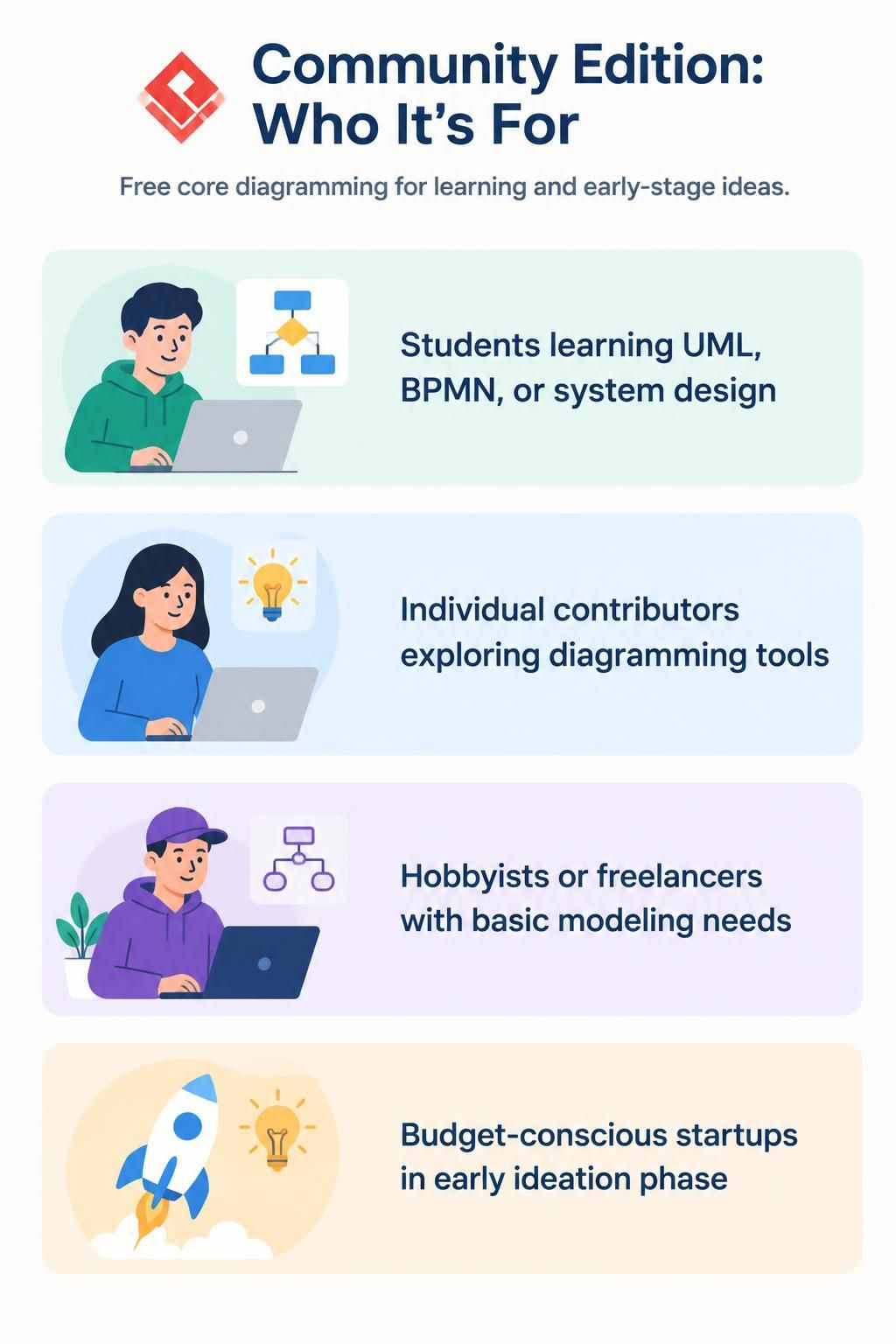
The Community Edition is not a “lite” version in the traditional sense of being crippled; rather, it is a focused tool. It is engineered specifically for the “Individual Contributor.” If you are a student learning the ropes, a freelancer billing by the hour, or a startup founder in the early ideation phase, this edition provides the core engine you need without the overhead of team management features.
Let’s look at the specific personas who benefit most:
- The Student Learner: If you are taking a course on System Design, BPMN, or UML, you need a tool that supports the standard notations. The Community Edition covers the vast majority of the UML and SysML specifications you will encounter in your textbooks.
- The Solo Architect: Individual contributors who explore diagramming tools to document their own work, create architecture diagrams for portfolios, or plan personal projects will find the “Basic” organization and mind mapping features sufficient.
- The Budget-Conscious Startup: In the early “ideation phase,” a startup often cannot afford the per-seat licensing of enterprise tools. This edition allows you to visualize your product roadmap and database structures without breaking the bank.
Core Capabilities: What You Can Build
To understand the architecture of this edition, we must distinguish between what is available and what is reserved for the Enterprise edition. The Community Edition is built on a solid foundation of Core Diagramming.
1. The Standard Notations
For most learners, the goal is to master the industry standards. The Community Edition supports:
- UML Diagrams: Including Use Case, Class, Sequence, and State Machine diagrams. These are essential for software engineering students.
- Flowcharts: The bread and butter of process analysis.
- ERD (Entity Relationship Diagrams): Crucial for database design and schema modeling.
2. The “Partial” Support Caveat
It is vital to read the fine print regarding “Partial Support.” In the context of Visual Paradigm, this usually means the diagram editor is available (you can draw the box and lines), but the full feature set (such as code generation or specific analysis tools) is disabled.
- System Modeling (SysML): You can create the diagrams, but advanced analysis tools may be limited.
- Mind Mapping: You can brainstorm, but you might not be able to link it to code artifacts.
- Organization Charts: You can draw the hierarchy, but you may lack the automation to sync it with HR databases.
The Missing Pieces: What to Avoid
A knowledgeable architect knows their tool’s limitations. If your project requires the following, the Community Edition is not suitable, and you should look elsewhere or upgrade:
- Advanced Process Modeling (BPMN, DFD, CMMN): While you might get a basic view, the Community Edition explicitly lacks full support for Business Process Model and Notation (BPMN) and Data Flow Diagrams (DFD) variants. If you need to simulate a business process, this tool will fall short.
- Team Collaboration: There is no cloud repository. You cannot have two people editing the same diagram file at the same time (concurrent editing). You cannot integrate with Jira or Confluence to sync requirements.
- Code & Database Engineering: You cannot reverse engineer existing code into a class diagram, nor can you generate SQL scripts from your ERD. This is a design-only tool, not an engineering tool.
- AI & Documentation: The “Doc. Composer” (automatic documentation generation) and AI-powered features are locked behind the paywall.
Strategic Decision Matrix: Learning vs. Production
How do you decide if this is the right path? Consider the “Verdict” of your current project stage.
- Is this for Learning? Yes → Go for Community Edition. It is perfect for mastering the syntax of UML and SysML without cost.
- Is this for a Personal Project? Yes → Go for Community Edition. You don’t need team permissions or Jira integration for your own hobby project.
- Is this for a Professional Team? No → Avoid. The lack of concurrent editing and version history control will cause friction in a team environment.
- Is this for Production Workflows? No → Avoid. If you need to export to a specific format without watermarks or generate documentation automatically, you need the Enterprise edition.
Conclusion
The Visual Paradigm Community Edition is a powerful educational and prototyping tool. It strips away the complexity of enterprise collaboration and project management to give you a pure modeling environment. As long as you respect its limitations—specifically the lack of code engineering, team features, and advanced process modeling—it remains an invaluable asset for students, hobbyists, and individual contributors navigating the world of system design.